

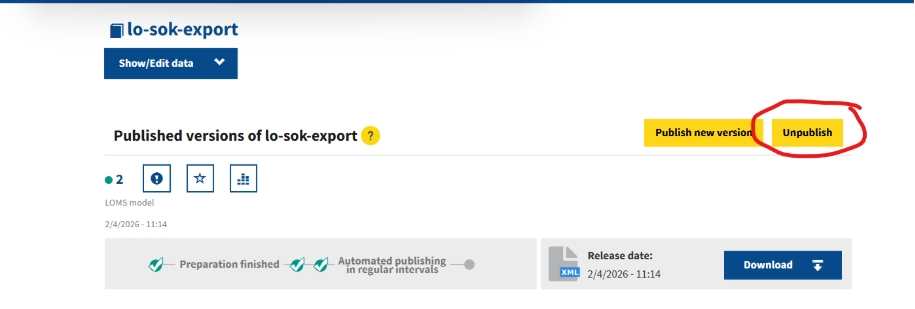
To remove a dataset from publication in the QDR, open the dataset and select the Unpublish button from the top-right corner of the page (see screenshot below). This action withdraws the dataset from publication. In QDR, datasets can only be deleted by unpublishing them.
Before unpublishing a dataset, please keep the following points in mind:
Unpublishing is a logical deletion, not a physical deletion. The dataset is no longer published as an active dataset, but the underlying data remains stored in the system and may still be accessible in certain contexts.
QDR follows linked data principles. Retaining unpublished data helps preserve existing references and links created by external systems or users, ensuring that they continue to resolve correctly.
Older dataset versions are not automatically removed or archived. If you publish datasets through scheduled or recurring processes, you are responsible for managing previous versions and unpublishing those that should no longer remain active.
Regularly reviewing published datasets and unpublishing obsolete versions helps ensure that users access the most up-to-date information.